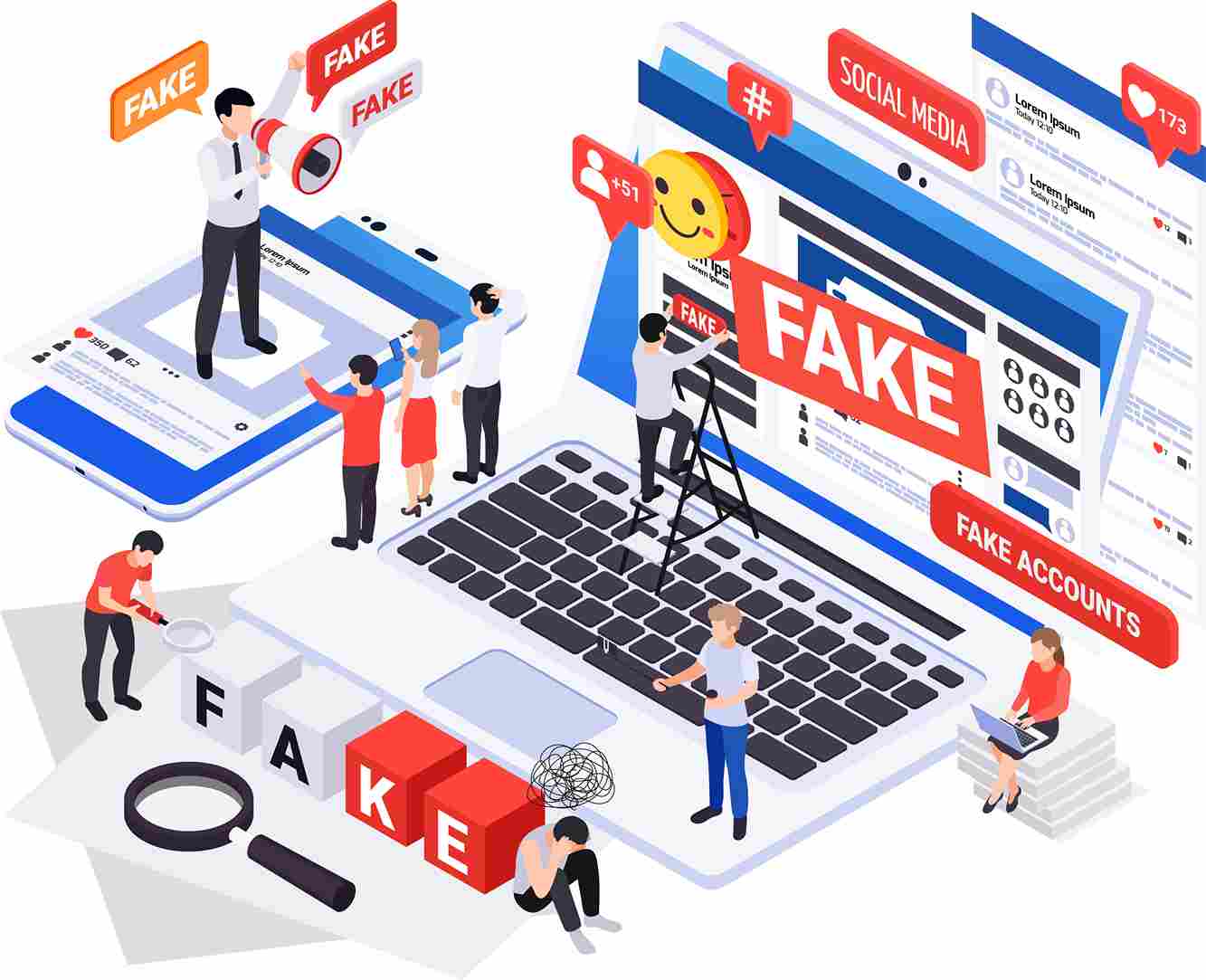
There has been a huge transformation ever since the internet evolved. Our daily lives, shopping, communication, and everything have been changing with arrival of websites and web development. It has become more convenient for everything to be done online, but this has also paved the way for cybercriminals to commit scams and create several fake websites, affecting the safety of websites. This ruins the trust of people in online. It is becoming more complicated as these scammers are using all kinds of tactics, like creating fake pages for websites, especially for e-commerce websites. They could access all personal data and login credentials as well, making both individuals and organisations at risk.
So it's crucial to find these fake pages to keep the original website’s credibility. You might be visiting a website for various reasons like for shopping or can be for just browsing. You still have to verify if the website is legitimate to avoid scams.
Here are some ways to check if your websites are real or fake.
- Use a website checker: There are several tools available to check the website's security. These tools help you to know if the website is legit before engaging with it and prevent scams. What these tools do is scan websites to identify malware or any vulnerabilities. So always check your website with these tools before doing any activities in the website, especially making a purchase or entering your credit card details. Still, there are risks involved in using outside tools, like concerns with the privacy of data by entering the URL. It will be a chance to know the metadata, browsing habits, and other data that are collected and shared with any advertisers later. Even though full accuracy cannot be guaranteed, you may still cautiously use these third-party tools for identifying any fake websites from real ones.
- Check for any secure connections: It is crucial in making sure that the website is secure while browsing. Look at the web address and check if it starts https://. Hypertext Transfer Protocol Secure protects the data by encrypting the data exchanged between the web browser and the website. Also, there is a padlock icon in the address bar of the browser to show the website’s Secure Sockets Layer (SSL), a security certificate. If a padlock is displayed as broken, then it means there are some security issues with the website. Moreover, there are warning alerts shown by browsers like Chrome and Firefox with messages like “Your connection is not private,” which informs the users about the risks of entering the website. Professional website development company always ensures secure connections for its business clients to overcome these scams.
- Analyse the contact information: It might be easier to copy logos and designs from a website. But it is not the case with contact. A fake website always misses the contact details. You could easily check the contact information of a website and decide if the website is legitimate or not. The primary contact details are the phone number. Just try to call the contact, and a fake website won't get connected. Apart from the contact number email ID will also be provided. A credible business website always keeps and ensures the functionality of the contact section.
- Enter the website name in Search Engine: It is an effective way to find the website's legitimacy by entering the website name in a search engine and checking where it is ranked. A real website would rank in search results as it has higher authority, relevancy, and user engagement. Check some security factors of the website, like the ranking in search results, reviews and references, and warnings from search engines on malicious content. Ensuring these factors help you in knowing the credibility of the website before entering.
- Check the website’s domain age: Cybercriminals mostly choose new domains to do phishing attacks and other activities to avoid detection and abandon the website right after their use. Older websites are basically considered credible. So getting to know the domain age helps the users to analyse if it's a trustworthy website. There are tools available to check the website’s domain age. It shows details about the owner and contact details, the website’s registration date, and how long the website is active. These website's history helps you in ensuring and avoiding fake websites.
- Check the website’s social media: Social media is the best way to check how real the website is. A credible and authoritative website now tries to maintain social media like Facebook, Instagram, Pinterest, and X, where they become active in it to create a legitimate presence. There can also be fake accounts. So, check the number and quality of followers and the content included. Analyse if the posts and other content are consistent and have good user engagement. This verification helps to know the real and fake websites.
These analyses done on the website help the users to identify the real and fake websites and thus avoid falling into the hands of scammers.